12 virtual room ideas (what to draw on your walls)
You have a room, six empty surfaces, a brush, and the familiar question: what to draw on your wall? Here are twelve virtual room ideas for your Dumecia room, each with the tools that make it work, so you can stop staring politely at a blank wall and start.
Pick one, steal three, or do them all and run out of walls.
12 virtual room ideas and how to draw them
-
A window onto your city. Draw a Rectangle with a thick outline for the frame, then two Lines across it for the window bars. Inside, sketch the view from where you live: rooftops, a bridge, the hill everyone in town photographs. Your room sits near your real area on the globe, so visitors get a little glimpse of the place itself.
-
A gallery wall of framed drawings. Draw three or four Rectangles of different sizes on one wall, with an outline and a touch of corner radius for the frames. Put a small drawing inside each one, then add a title under it with the Text tool, like a museum label. Set the atmosphere to Gallery and the room plays along.
-
A guestbook wall for visitors. Write "Sign here" at the top of a wall, draw a border, and set who can draw to Everyone can draw in your Room settings. Visitors can leave a name, a doodle or a tiny self-portrait. They can move or delete only their own drawings, and you can delete anything, so the wall stays friendly.
-
One giant word. Open a wall in the Studio, turn on the grid and snap to grid, and build your letters from Lines and Rectangles. Snapping keeps every stroke straight and every letter the same height. Pick one word that says something about you (or just HELLO) and make it fill the wall from edge to edge.
-
A night sky on the ceiling. Open the Ceiling in the Studio, choose the Light brush and dot it with stars in a few sizes. Add a moon with an Ellipse switched to Glow. Set the atmosphere to Night or Lights off, then look up. The guide to drawing with light has more tricks for this one.
-
A rug on the floor. Open the Floor in the Studio and draw one big filled Ellipse in the middle. Then turn on mirror mode and add the pattern (zigzags, dots, tassels at the ends), so whatever you draw on one side appears on the other. A dashed outline around the edge looks like stitching.
-
Your favorite songs as a poster. Draw a tall Rectangle as the poster, then list five songs with the Text tool, using two of the six fonts: a loud one for the title, a quiet one for the list. Add a small drawing of a record or a cassette in a corner. It's an easy way to start a conversation in the room chat.
-
A plant corner. Pick a corner where two walls meet, draw a pot at the bottom of one wall, and let the leaves climb up and spill onto the next. Mint is the obvious green. Spray gives soft shadows under the leaves, and Chalk gives the pot a nice dry, earthy texture.
-
A map of places you love. Draw a loose outline of a city, a country or just your neighborhood on the Floor. Mark your favorite spots with small Ellipses, connect them with a dashed Line, and label each one with Text. Accuracy is optional: the bakery can be as big as it feels.
-
A one-color mural challenge. Choose one color and use nothing else for a whole wall. Get your variety from size, opacity and the different brushes: Pencil for fine lines, Spray for clouds, Highlight for see-through layers. It's harder than it sounds, and the result always looks deliberate.
-
A door to a friend's room. Draw a door on your Entrance wall and write your friend's room link on it with the Text tool. Ask them for the share link to their room, not their private room link, which is only for them. Visitors who like your room get a next stop, and your friend gets a few new faces.
-
A neon sign. Write a word or a short phrase with Text, switch on Glow, and draw a frame around it with the Light brush. OPEN, Back soon or simply your name all work well. Put the room in Night and the sign throws its color on everything nearby.
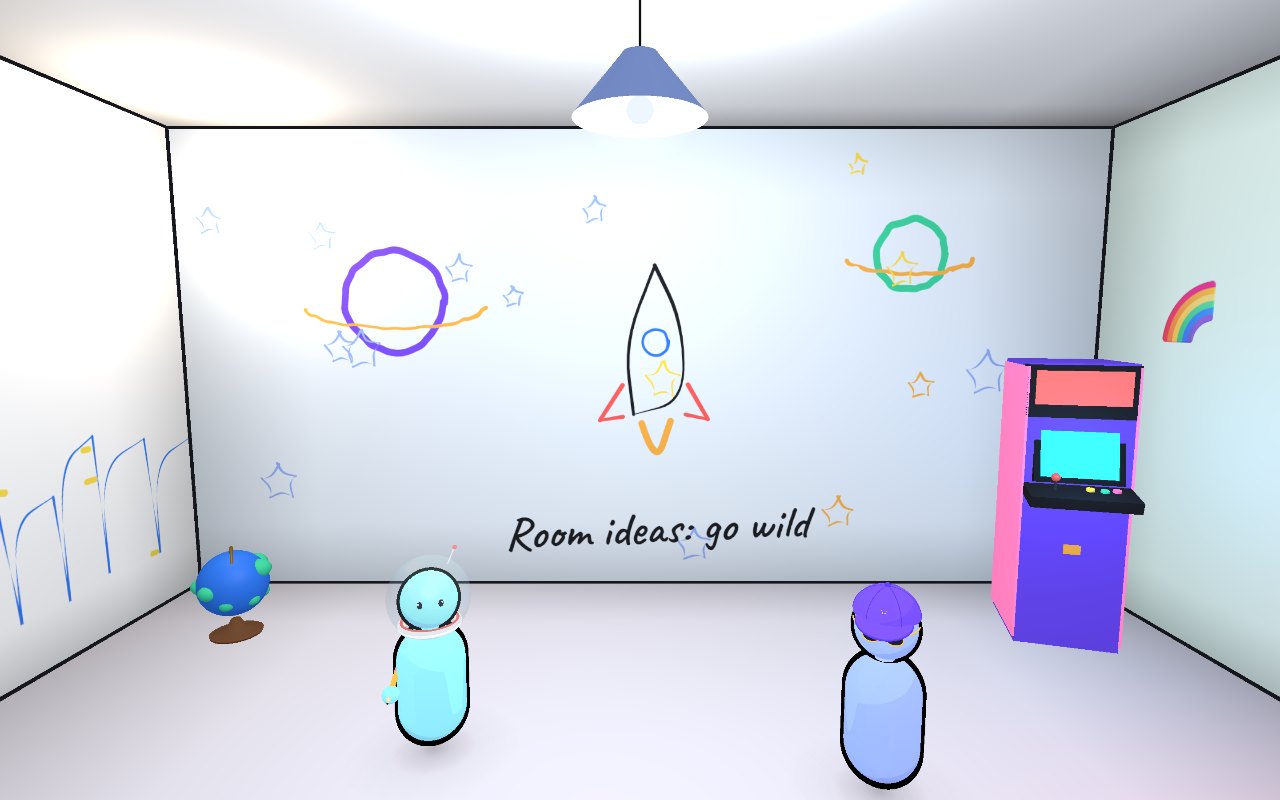
Where to start
Twelve room drawing ideas is a lot for one room, and you only have six surfaces. Here's a sensible order.
Pick one idea and give it a whole wall. Do it big and finish it before you start anything else. One finished wall makes a room feel lived in; six half-started ones make it feel like a renovation.
Do the ceiling or the floor next. They change the feel of the room more than a second wall would. The night sky and the rug both make good second projects.
Keep one surface free. Leave it for later, or for visitors if you turn on Everyone can draw.
Don't fear the mess. Undo and Redo are always there, and Select lets you move, resize or rotate anything you've drawn. A drawing in the wrong place is a drawing you can move.
Borrow ideas from other rooms. Turn the globe, open a few rooms, or press Knock on a random door to land somewhere new. Someone else's ceiling is often the best idea for yours.
Some of these ideas get better with company. For a plan for the evening, try these seven drawing games to play with friends.
Pick one and go
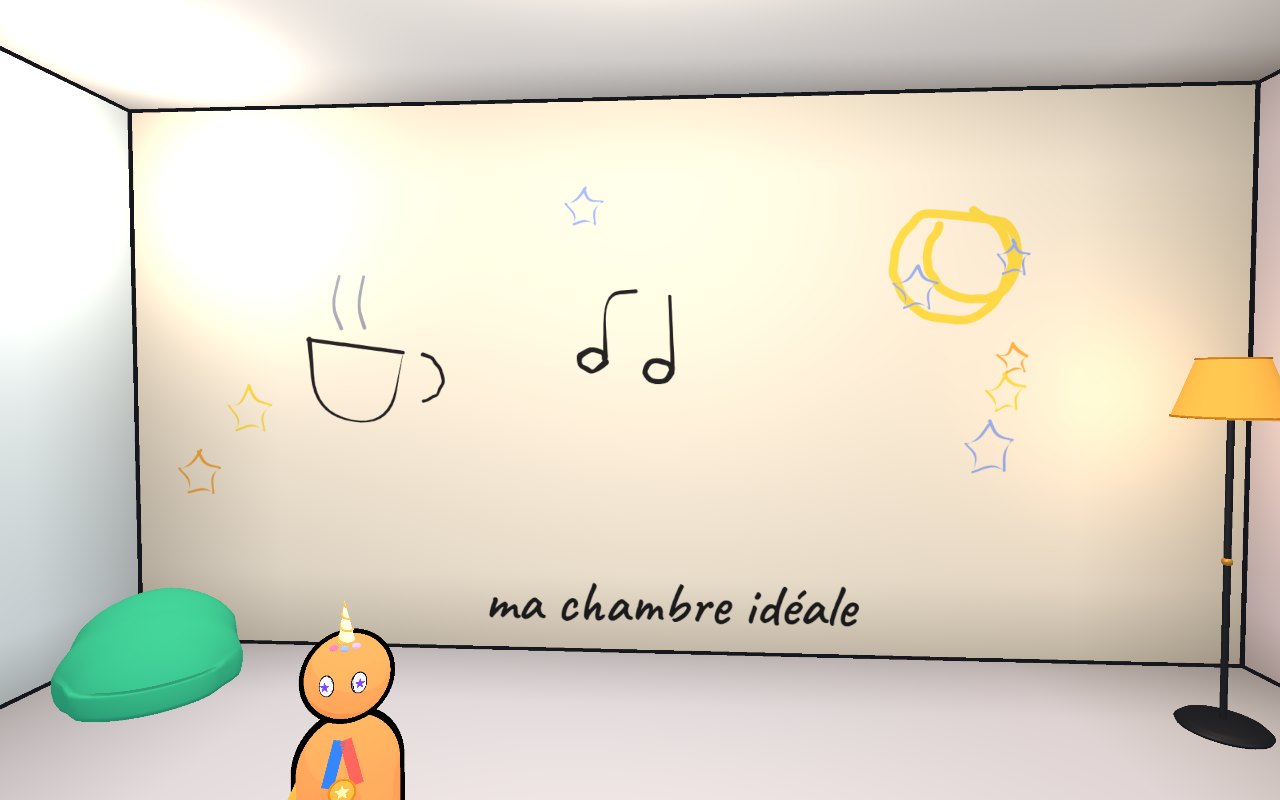
You don't need all twelve. You need one wall and a free evening. Open your room, choose the idea that made you smile first, and start with the biggest shape.